 masalladelcloud
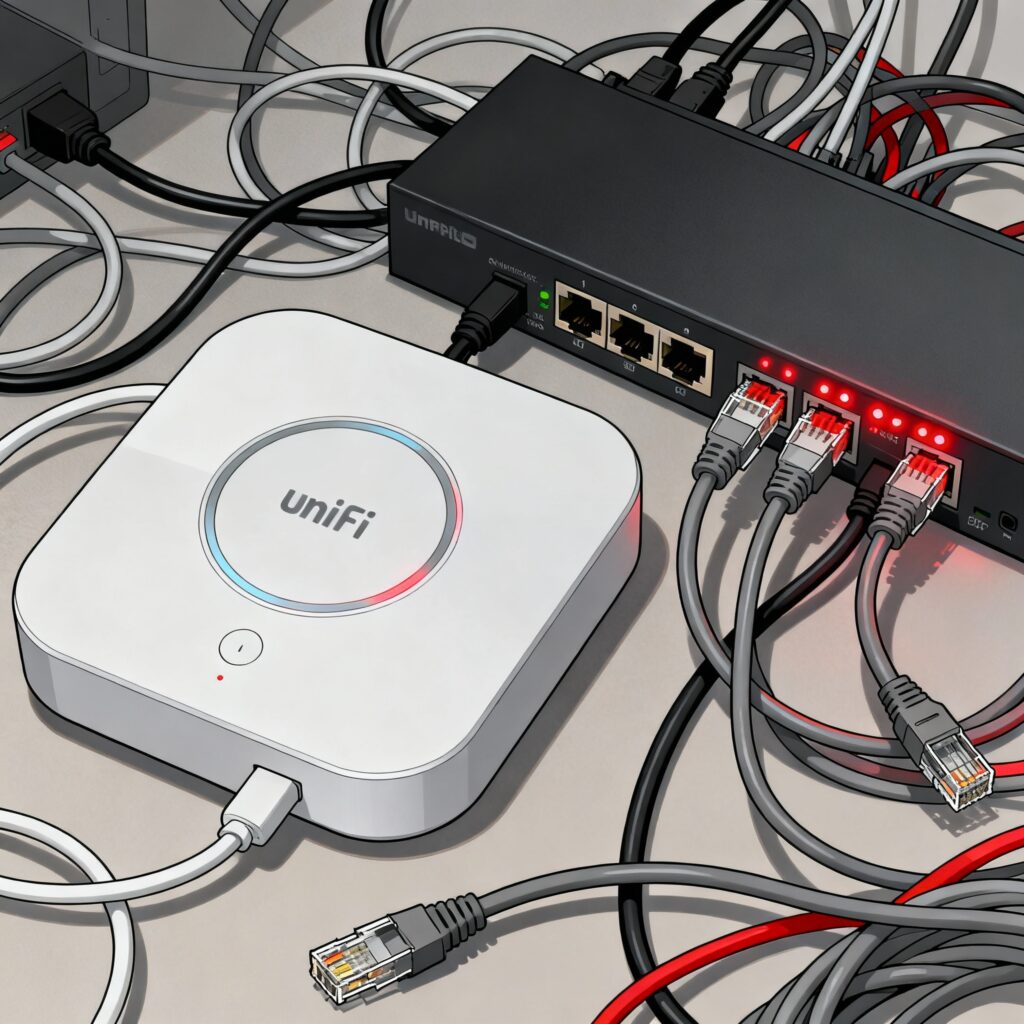
A few months ago, I embarked on what I thought would be a simple project: expanding my WiFi network with some UniFi access points. Like many of you, I had read the reviews, watched the YouTube videos, and was convinced that UniFi was the perfect solution for my homelab. What I didn’t know was that I was about to face one of the most frustrating (and expensive) lessons on Power over Ethernet.
The First Mistake: Blind Trust in Specifications
My adventure began with purchasing a pair of UAP-AC-Lite. They seemed perfect for my needs: good reviews, reasonable price, and it clearly said “PoE” in the specifications. I also ordered a TP-Link TL-SG108PE switch because it had 4 PoE ports and cost significantly less than UniFi switches.
When the equipment arrived, I connected everything with the confidence of someone who had read the specs. The access points wouldn’t turn on. Nothing. Not a single light.
Why didn’t it work? The UAP-AC-Lite units I bought (versions prior to September 2016) only work with 24V passive PoE. The TP-Link TL-SG108PE switch provides standard 802.3af (48V) active PoE with auto-negotiation. Since no negotiation was possible, the switch simply didn’t send power.
The Second Mistake: “If It’s the Same Brand, It’ll Work”
Frustrated by what I thought was a compatibility issue between brands, I decided to do the “logical” thing: buy a PoE switch from the same brand. I spent the money on a USW-Lite-8-PoE thinking this would solve all my problems.
Spoiler alert: it didn’t work either.
It turns out that modern UniFi switches, including the USW-Lite-8-PoE, only support standard active PoE (802.3af/at). Ubiquiti removed 24V passive PoE support from its current switches around 2016. Ironically, old access points are not compatible with new switches from the same brand.
The Solution: Really Understanding PoE
After two failed purchases and several hours of frustrating research, I finally understood the problem. I decided to change my strategy completely and bought a UAP-AC-LR that supports the 802.3af standard.
This time, it worked perfectly with the USW-Lite-8-PoE.
What I Learned (the Hard Way)
Active PoE vs. Passive PoE: The Crucial Difference
Active PoE (802.3af/at/bt):
- Follows official IEEE standards.
- There’s negotiation between the switch and the device.
- Only supplies power if the device is compatible.
- Uses 48V as the standard voltage.
- Safer – prevents damage due to incompatibility.
Passive PoE:
- Does not comply with IEEE standards.
- No negotiation – constant power supply.
- Traditionally 24V (can vary).
- Connecting incompatible devices can damage them.
- Less safe but more direct.
UniFi’s Confusing Evolution
Ubiquiti has changed its standards over the years:
- Old devices (pre-2016): Only 24V passive PoE.
- Transition period (2016-2017): Dual support (active and passive).
- Modern devices: Primarily standard active PoE.
The UAP-AC-Lite and UAP-AC-LR manufactured after September 2016 (date code 1638) support both types, but earlier versions only work with 24V passive.
Modern vs. Old UniFi Switches
- Old UniFi switches (like US-8-150W): Supported both active AND passive PoE.
- Current UniFi switches (like USW-Lite-8-PoE): Only 802.3af/at active PoE.
My Recommendations to Avoid This Hell
For New Installations
- Buy current equipment: UniFi U6/U7 Series APs use modern active PoE standards.
- Verify manufacturing dates: If you buy used UAP-AC-Lite/LR, check that they are post-2016.
- Use modern UniFi switches: They are more expensive, but you avoid compatibility issues.
If You Already Have Old Equipment
- Identify your version: Check the back label of the AP to verify PoE support.
- Consider specific PoE injectors: For 24V APs, use POE-24-12W-G injectors.
- Plan a gradual migration: Old equipment works, but have an upgrade plan.
The Cost of Not Knowing
- TP-Link TL-SG108PE Switch: €60 (useless in my case).
- USW-Lite-8-PoE Switch: €109 (which I could have avoided initially).
- Wasted time: About 6 hours of troubleshooting.
- Stress: Thinking I had received defective equipment.
Tools That Can Save You
- PoE Tester: Invest in a basic one (€20-30) – it will tell you exactly what type of PoE is coming out.
- Precise Documentation: Note the date codes of all your UniFi devices.
- Multimeter: To verify voltages if in doubt.
Final Reflection
Home network infrastructure has evolved tremendously, but this evolution can create frustrating incompatibilities. UniFi isn’t unique in this – many manufacturers have changed their PoE standards over time.
My main advice: don’t assume that “PoE is PoE”. Always verify the exact voltage and standards specifications before buying. And if you’re starting from scratch, stick with modern equipment from the same generation.
Have you experienced something similar? Do you have any “legacy” UniFi equipment giving you trouble? I’d love to read your experiences in the comments.
Troubleshooting and Technical Considerations
AP constantly reboots under load This is usually a clear symptom that the switch is delivering 802.3af (15W) to an AP that requires 802.3at (30W). Upon reaching peak traffic, the AP requests more power than the port allows, and the switch cuts power for safety.
Switch port shows “Overload” Review the total PoE budget of your switch. If you have a 60W switch and connect 4 APs consuming 15W each, you are at the absolute limit. Any consumption spike will shut down the last active port.
If this post has helped you avoid the same mistakes I made, share it with other administrators who can benefit. And follow me for more real experiences from the homelab trenches.